
Why Yealink BYOD Solution?
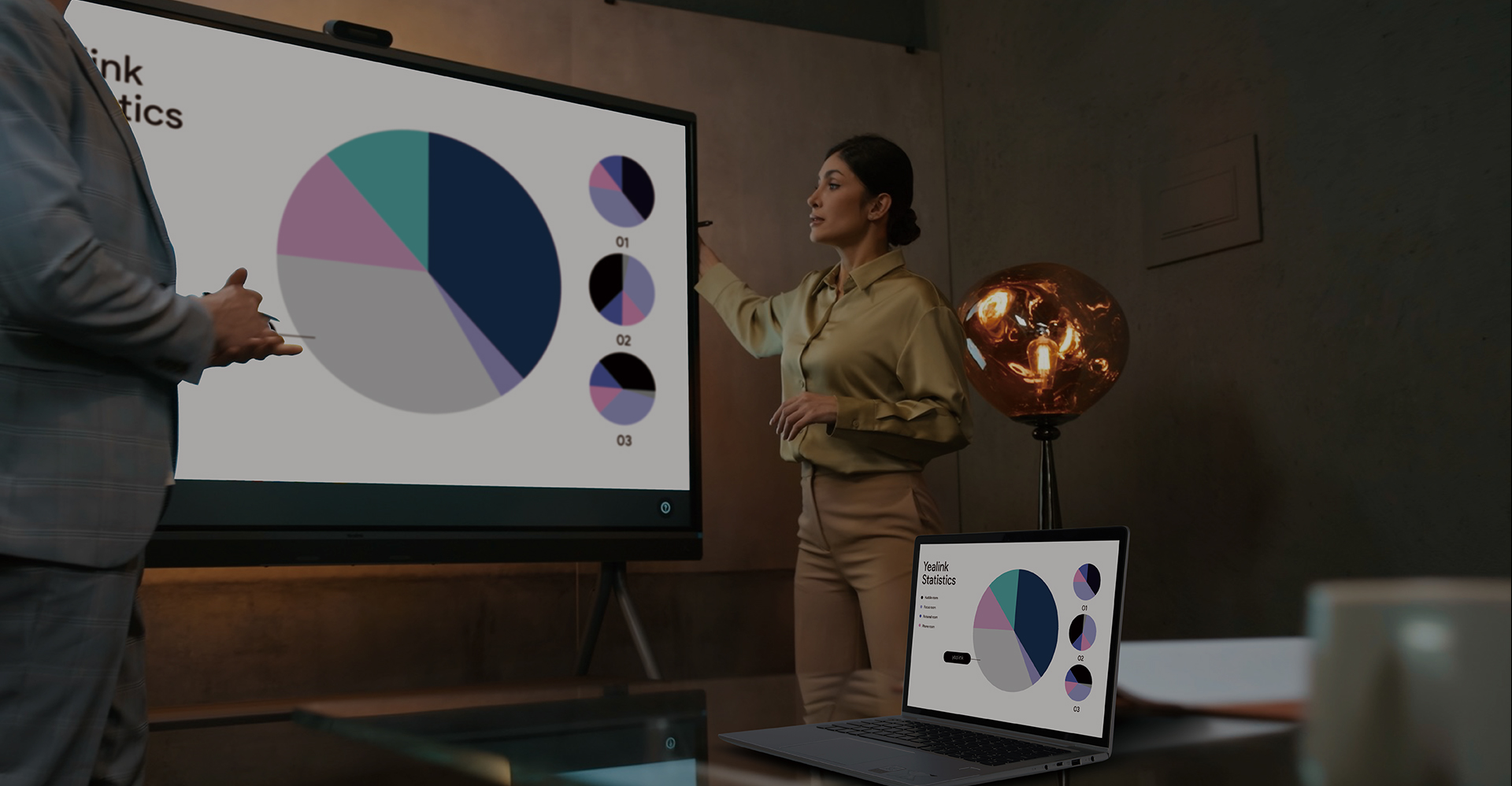
Choose from THREE flexible BYOD options to fit different room sizes, connection needs, and IT strategies — all using Yealink’s professional-grade video and audio hardware.
You can also centrally control and monitor devices via Yealink's cloud management platform.

For dedicated Zoom or Microsoft Teams Rooms, explore the full range of Yealink Room Systems.

Everything About Yealink BYOD.
USB BYOD
USB Bar+BOX
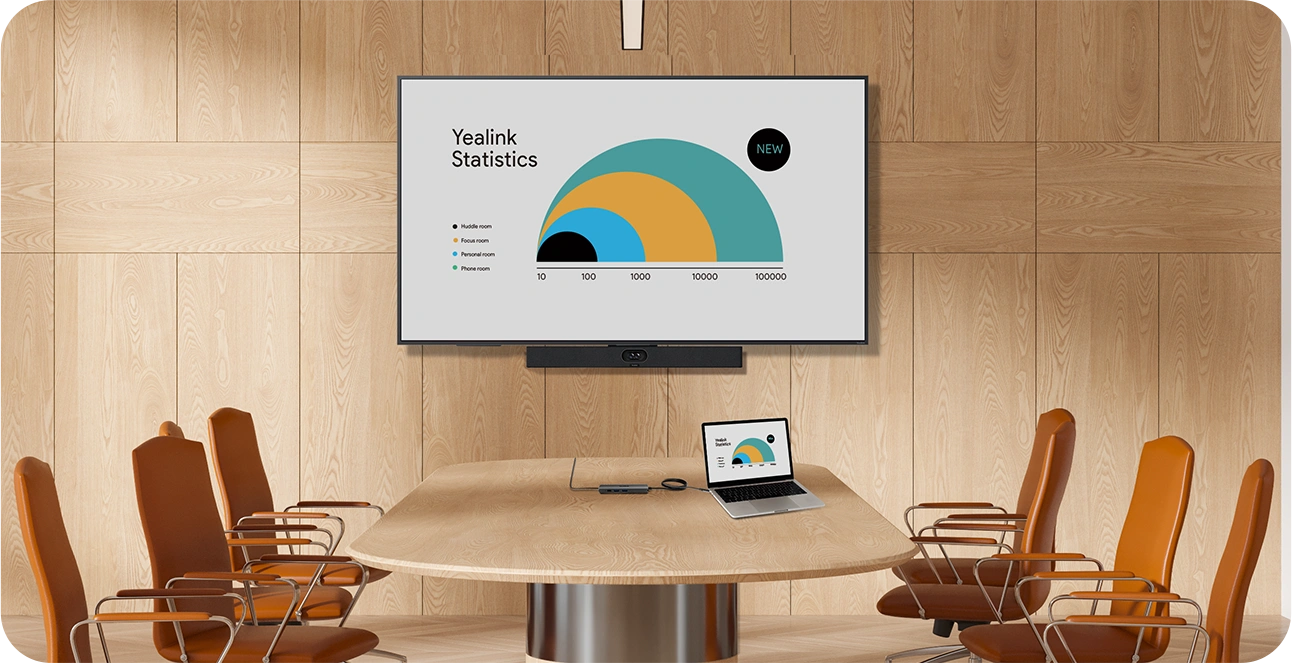
Use the USB Bar and BYOD-Box together with USB conference cameras to enable flexible BYOD meetings. Connect your laptop via USB and HDMI to leverage the in-room camera, microphone, speaker, and display — no room license or platform account required.
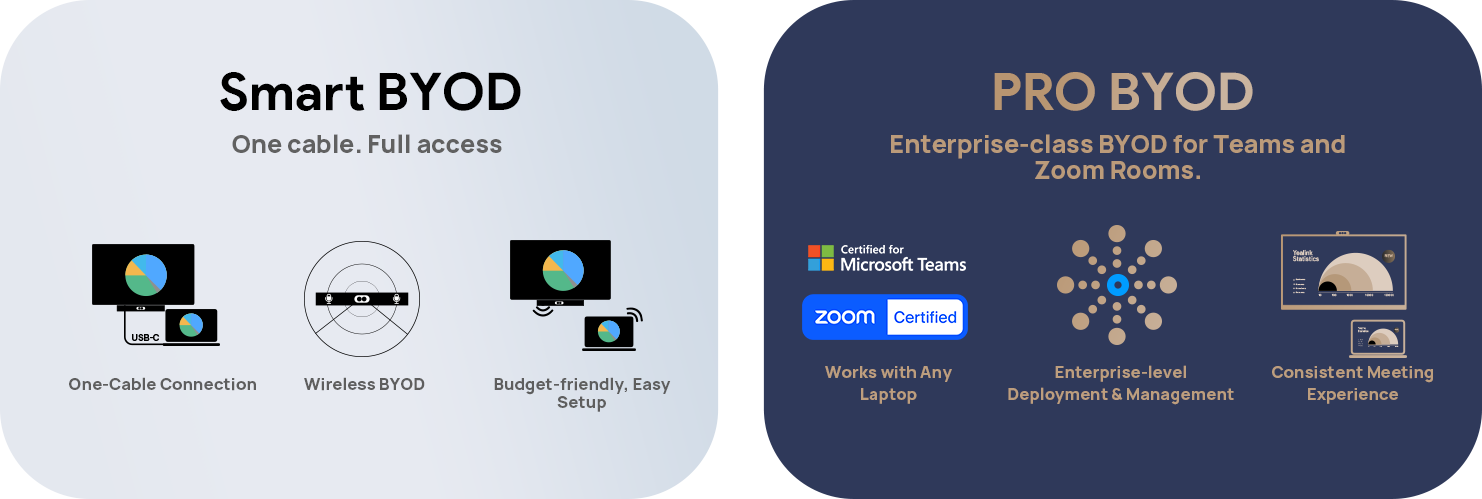
Smart BYOD
Android-based Devices + Device Mode
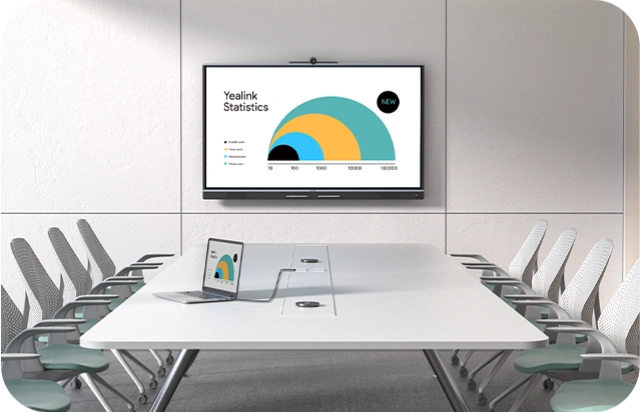
Pro BYOD
Windows-based Device + Extender
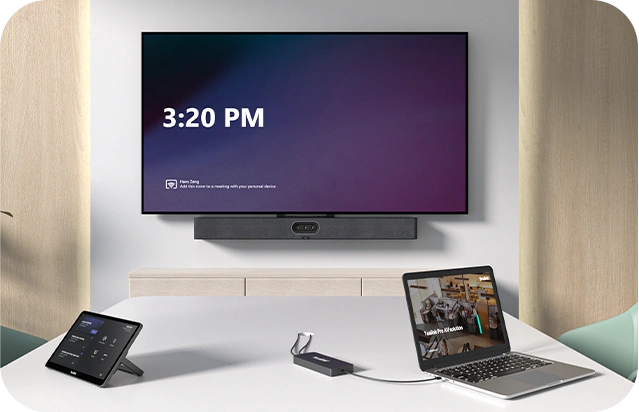
Work with Any Laptop.
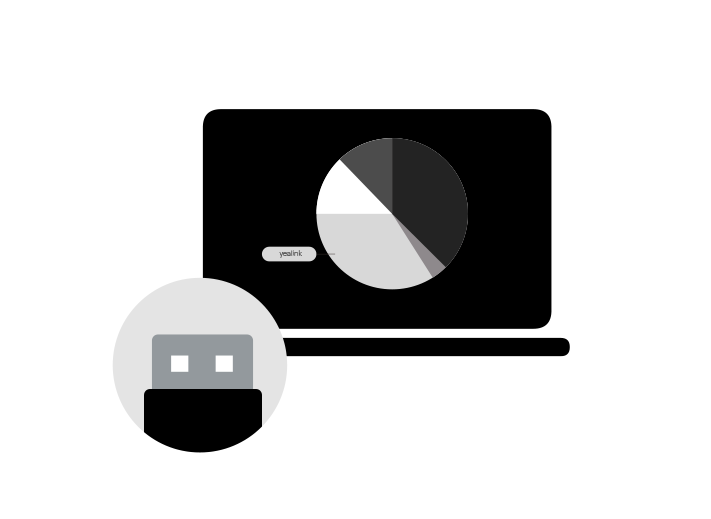
Easily connect your laptop to the USB Bar and BYOD-Box for seamless meetings. Whether you're using a Windows, Mac, or Chromebook, simply plug in via USB or HDMI, and you're good to go.No additional software or platform accounts required — just a straightforward connection to bring professional-grade audio and video to your meetings.
Plug and Play.
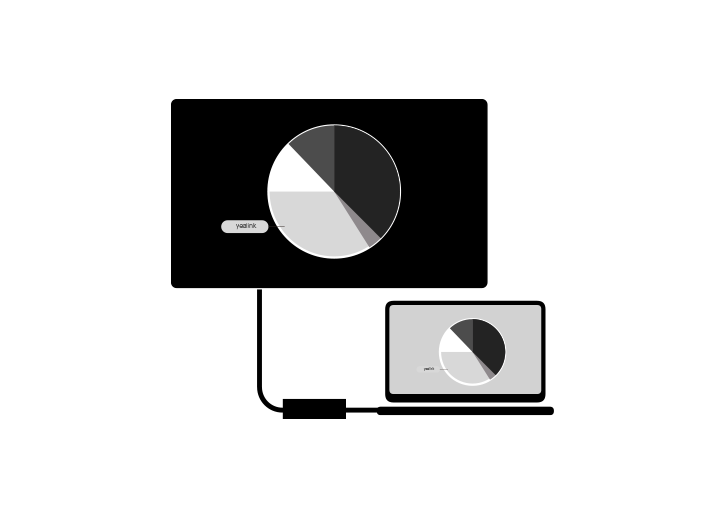
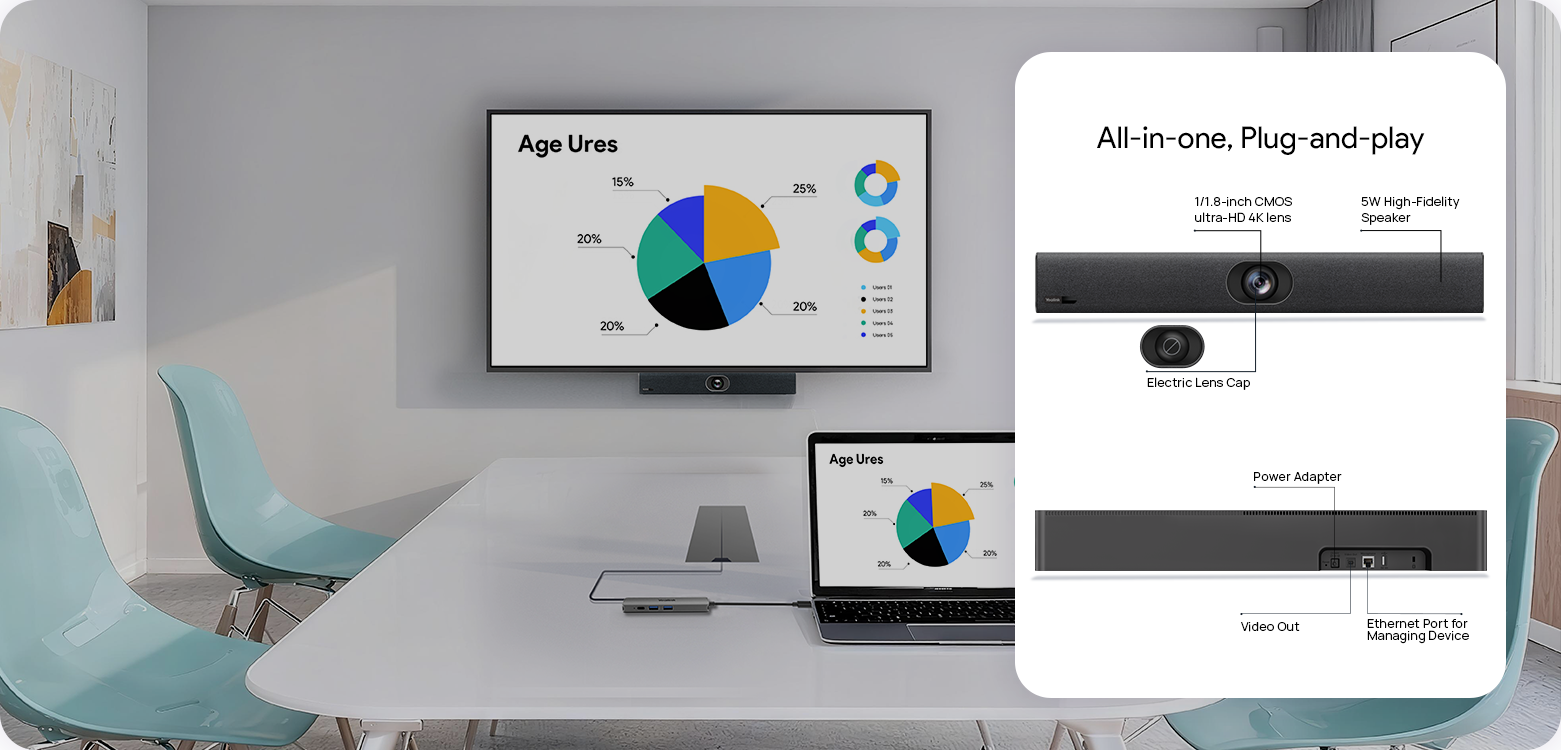
Forget about complicated setups or lengthy installations. With the USB Bar and BYOD-Box, you can plug in and start your meeting in minutes. Leverage the in-room camera, microphone, speaker, and display for crystal-clear communication — it’s that simple. Ready for action at any moment, with zero downtime.
Budget-Friendly & Easy Setup.
Get the power of enterprise-grade video and audio at a fraction of the cost. Our USB Bar solution is designed to be both cost-effective and quick to deploy. Perfect for small meeting rooms and spaces that require simple, fast access to meetings. With no need for expensive room licenses or platform accounts, it’s the most efficient solution for any budget.
RECOMMENED SETUP
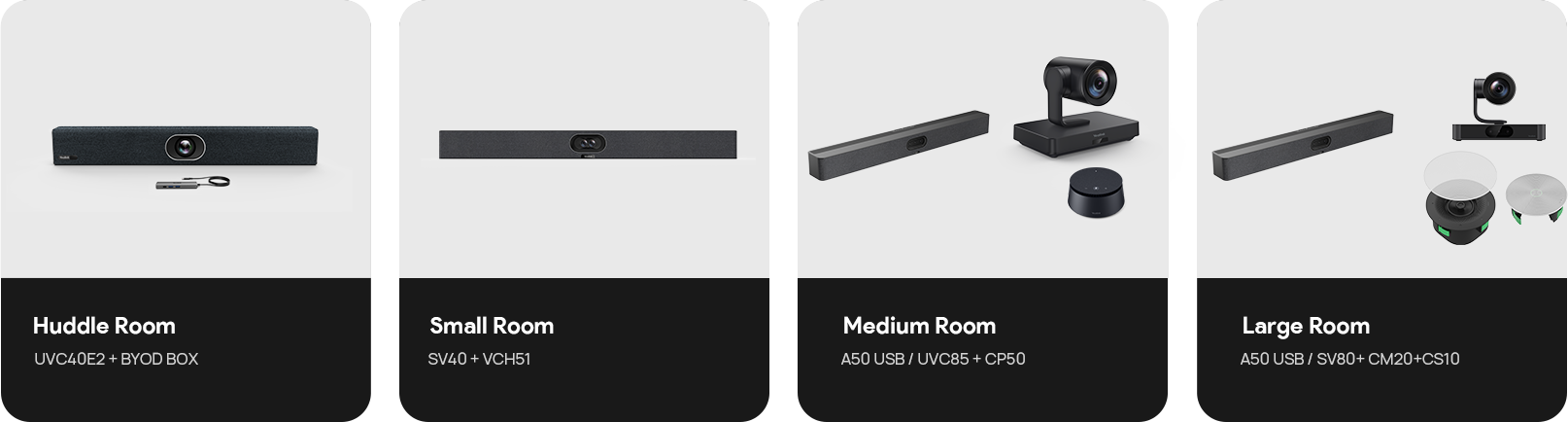
WHICH YEALINK BYOD SET IS RIGHT
FOR YOUR SPACE?
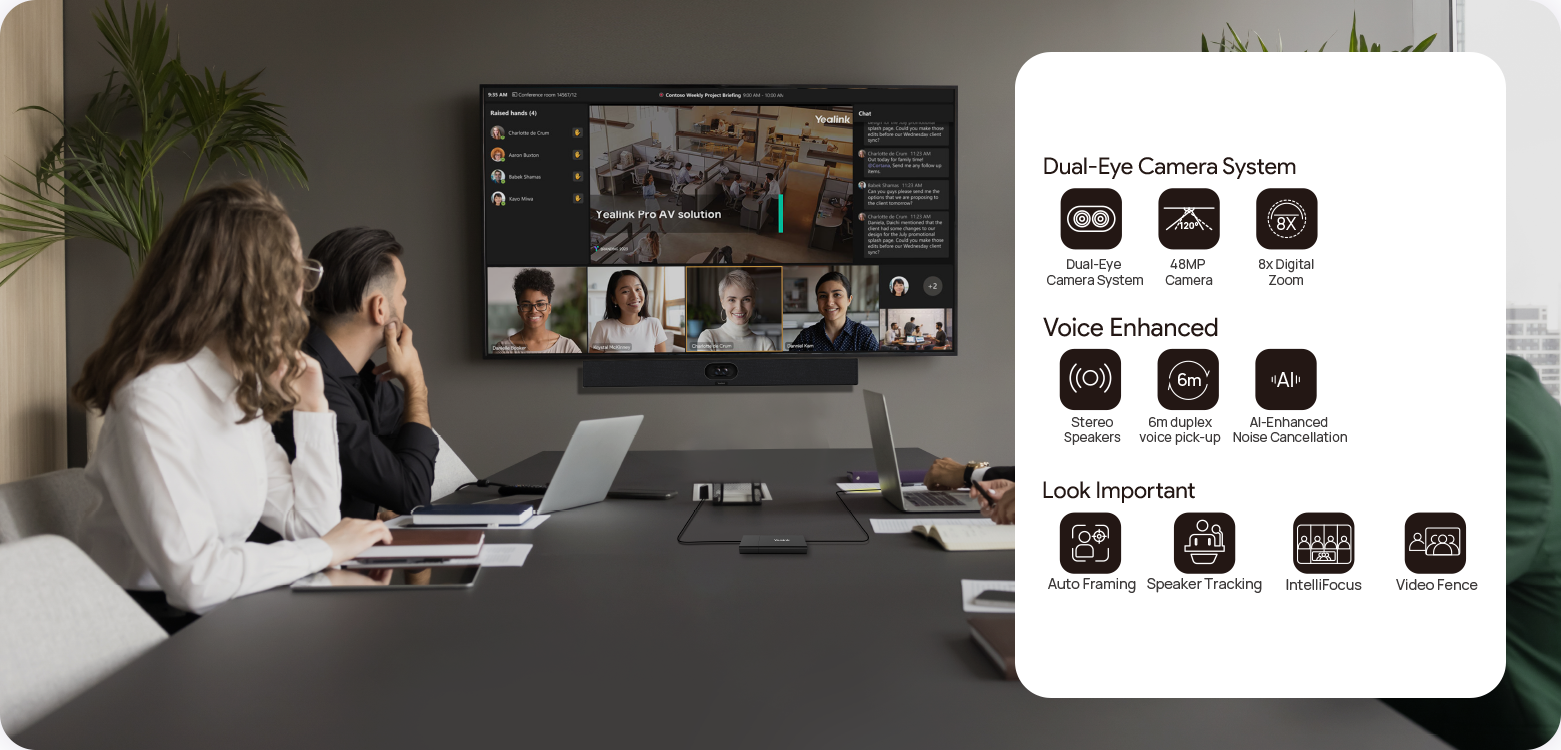

MANAGEMENT OVER THE AIR
Master devices in bulk with professional management platforms such as Microsoft Teams Admin Center
(TAC), MTR Portal Management Platform(PMP), Zoom Device Platform (ZDM) and Yealink Management
Cloud Service (YMCS).
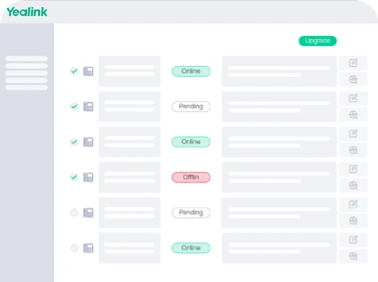
Manage Devices in Bulk
Upgrade and update phones in bulk by specifying firmware and resources.
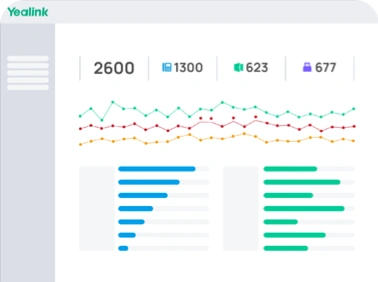
Get Real-time Alarms
There are multiple alarms such as poor call quality and firmware upgrade failure. Set notification emails to ensure IT admins won't miss any alarms.
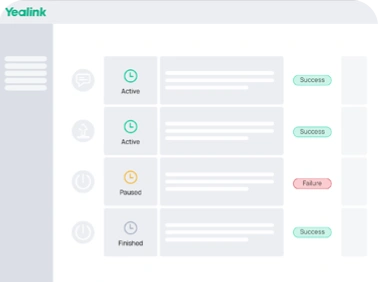
Schedule Tasks Worry Free
Implement management tasks during off-hours to ensure business continuity, and view the execution results of each task to provide you with peace of mind.
CONTACT US